Minimalist wallpapers thrive on contrast, and OLED screens reward every pixel of negative space. When you combine AI art tools with a clear prompt structure, you can generate backgrounds that glow with simplicity instead of clutter.
Why minimalist works on OLED
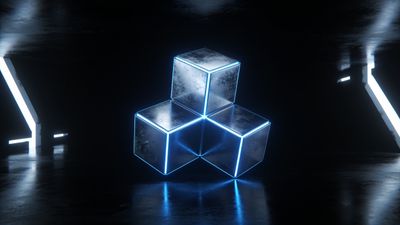
OLED panels turn off pixels entirely for black, which means fewer distractions and deeper contrast. A clean composition with one focal element-like a glowing line or geometric shape-lets the display’s dynamic range shine. Too many gradients or midtones, on the other hand, can cause visible banding in low light.
If you browse the Dark category, you’ll notice how subtle light accents stand out against deep blacks. That same principle applies to AI generation: the fewer competing tones, the more dramatic the result.
Building the perfect AI prompt
When writing prompts for minimalist wallpapers, focus on clarity and restraint. Describe the subject, lighting, and background separately. Avoid adjectives that imply texture overload.
- Subject: one object, symbol, or silhouette (e.g., "single glowing sphere," "minimal mountain outline")
- Lighting: soft rim light, neon edge, or centered glow
- Background: pure black or gradient from #000000 to #050505
- Style modifiers: "minimalist composition," "negative space," "OLED contrast"
Example prompt structure:
> "minimalist glowing line art of a horizon, pure black background, centered composition, OLED contrast, 4K wallpaper"
AI models like Midjourney, Leonardo, or Stable Diffusion respond well to explicit contrast cues. Test small variations-changing “glowing” to “luminescent” or “neon edge”-to see how the generator interprets light falloff.
Managing color and brightness for OLED
Even the best AI render can lose its punch if exported incorrectly. Keep these checks in mind before setting it as your wallpaper:
- Export in PNG or high-quality WebP to preserve solid blacks.
- Avoid heavy compression; JPEG artifacts can lift shadows into gray.
- Verify the darkest area is true #000000 using a color picker.
- Slightly reduce brightness before saving to prevent OLED burn-in.
You can compare your results with pieces in the AI Generated category to understand how other creators balance tone and light.
Bonus: Color accents that pop
A single accent color-electric blue, crimson, or gold-creates tension against black backgrounds. Keep saturation high but limit the area it covers. The goal is to make the eye land on one highlight, not wander across the frame.
Testing and cropping for devices
Different phones and monitors crop differently. On tall phones, keep the subject within the central 70% of the frame. Avoid placing key elements near the top where the clock or camera cutout sits.
For desktop use, generate at least 3840x2160 resolution. That ensures sharpness even after scaling. If you plan to share your creation, note that some social platforms compress images; always keep a master copy.
To see how minimalism adapts across formats, check the Abstract collection-many entries use similar composition logic, just with varied color palettes.
Example inspiration
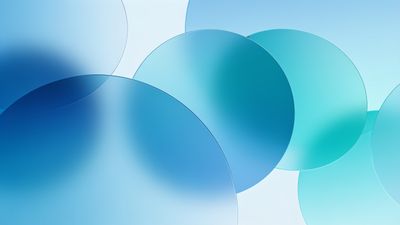
One piece that captures balanced simplicity is Serene Blue Circles Abstract Design Wallpaper. It uses repetition and negative space to create calm energy without losing depth. Study how the glow fades into black; that’s the kind of gradient control AI prompts can emulate.
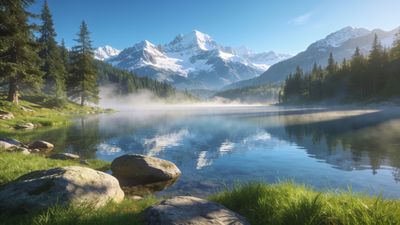
If you prefer nature-inspired calm, Serene Tree Reflection in Misty Lake Wallpaper shows how minimal color and symmetry can still feel alive.
Refining your workflow
Once you have a few renders, pick the strongest by viewing them on the actual device in a dark room. The one that feels balanced under low brightness usually holds up best. Keep a short prompt log so you can reproduce or tweak styles later.
Minimalist OLED wallpapers are about restraint-one idea, one light source, one emotion. With careful prompting and export discipline, your AI creations can look as intentional as any studio render.
By the end of this process, you’ll have a set of clean, high-contrast designs ready to share or upload. The same principles apply whether you’re exploring geometric forms or subtle gradients: less detail, more impact.